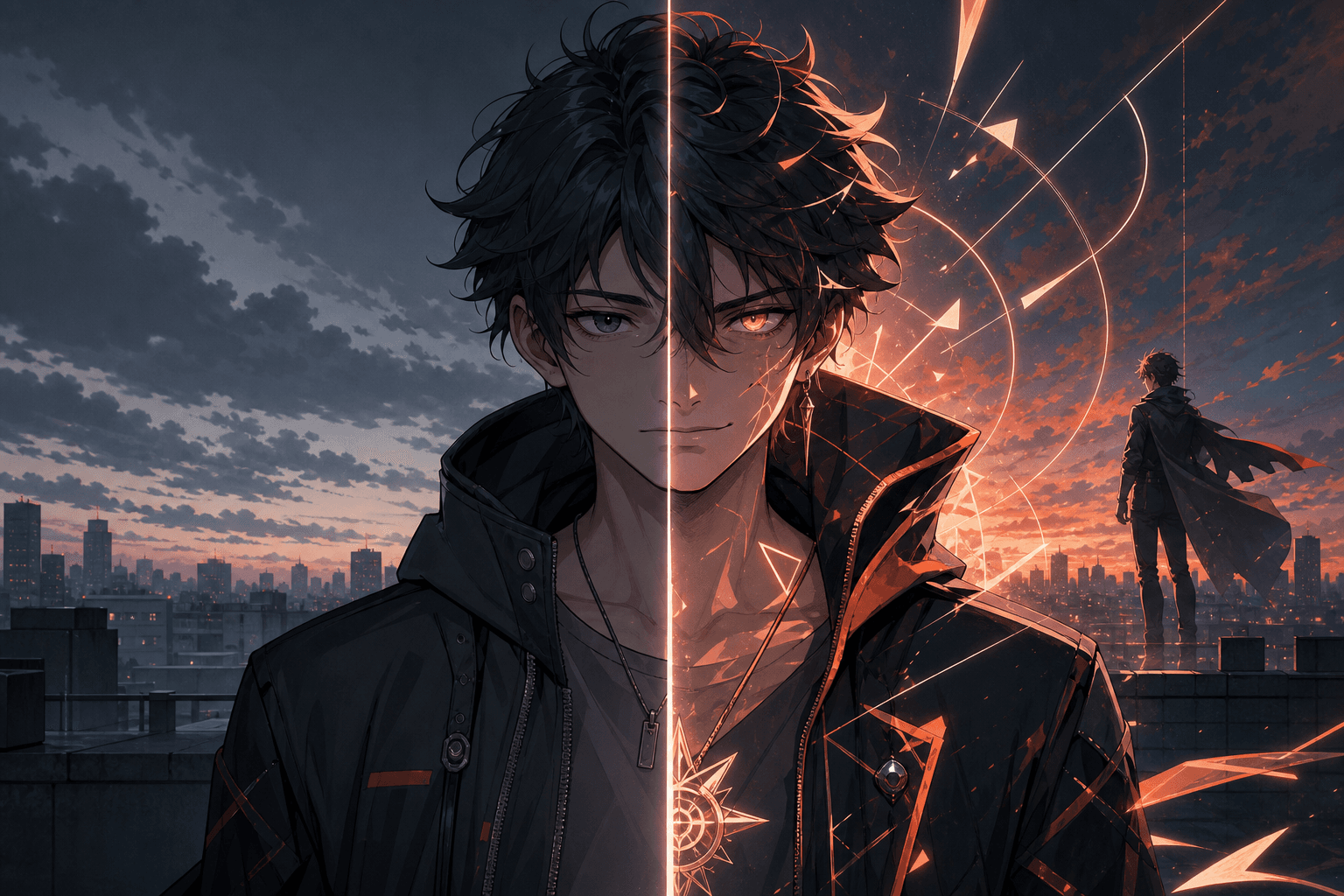
template
Anime Reveal Template for Tap and Hold Images | RevealStudio
Use an anime reveal workflow for X: hide alternate expressions, character details, background changes, or story surprises in a transparent PNG.
ExploreReady-made starting points
Choose a visual direction, open it in the editor, and adapt the reveal strength, mask, color, and atmosphere to your post.
Use an anime reveal workflow for X: hide alternate expressions, character details, background changes, or story surprises in a transparent PNG.
Explore
Create product reveal images for X launches. Hide feature details, before/after states, discount codes, or visual payoffs inside a transparent PNG.
ExploreHide the punchline, reaction, or final panel until the image is expanded. Built for visual timing without adding another slide.
ExploreCreate a restrained tap-and-hold reveal with clean spacing, soft tonal separation, and one precise hidden detail.
ExploreTurn lighting, energy, neon, magic, and product highlights into a brighter expanded-state payoff.
ExploreBuild suspense with deep shadows, controlled silhouettes, and a high-contrast detail that appears after expansion.
ExploreShow a transformation in one image by keeping the baseline visible and reserving the result for the expanded state.
ExploreBrowser-local workflow